
Working for Walmart Spark requires understanding how the platform operates and what the job involves.
This guide explains the requirements, the sign-up process, and how deliveries function inside the app.



It also covers practical steps to help new drivers earn more from day one.
What Walmart Spark Is
Walmart Spark is a delivery platform that assigns orders from Walmart stores to independent drivers through a mobile app.
The service relies on contractors to pick up items, complete deliveries, and handle routes based on real-time demand.
Requirements to Work for Walmart Spark
To join the Walmart Spark Driver program, applicants must meet specific eligibility criteria.
These requirements help maintain safety, reliability, and compliance for all delivery operations.
- Minimum age requirement (usually 18 or older).
- A valid U.S. driver’s license in good standing.
- Access to a dependable vehicle that meets local standards.
- Active auto insurance that complies with state laws.
- A compatible smartphone with a stable data connection.
- Successful completion of a background and driving record check.
- Physical ability to lift and carry specific packages.
How to Sign Up
The registration process for Walmart Spark is designed to confirm identity, driving eligibility, and vehicle readiness.
Completing these steps properly helps ensure a smooth onboarding experience.
- Download the App – Install the Spark Driver app from Google Play or the App Store.
- Set Up an Account – Enter your basic personal information to create your profile.
- Provide Driver Information – Submit your driver’s license details and vehicle specifications.
- Upload Insurance – Attach current auto insurance coverage that meets local requirements.
- Authorize Background Check – Complete the authorization form for identity and driving record verification.
- Await Approval – Allow the system to review your documents and background report.
- Start Driving – Open the app and begin accepting delivery requests once approved.
How the Spark App Works
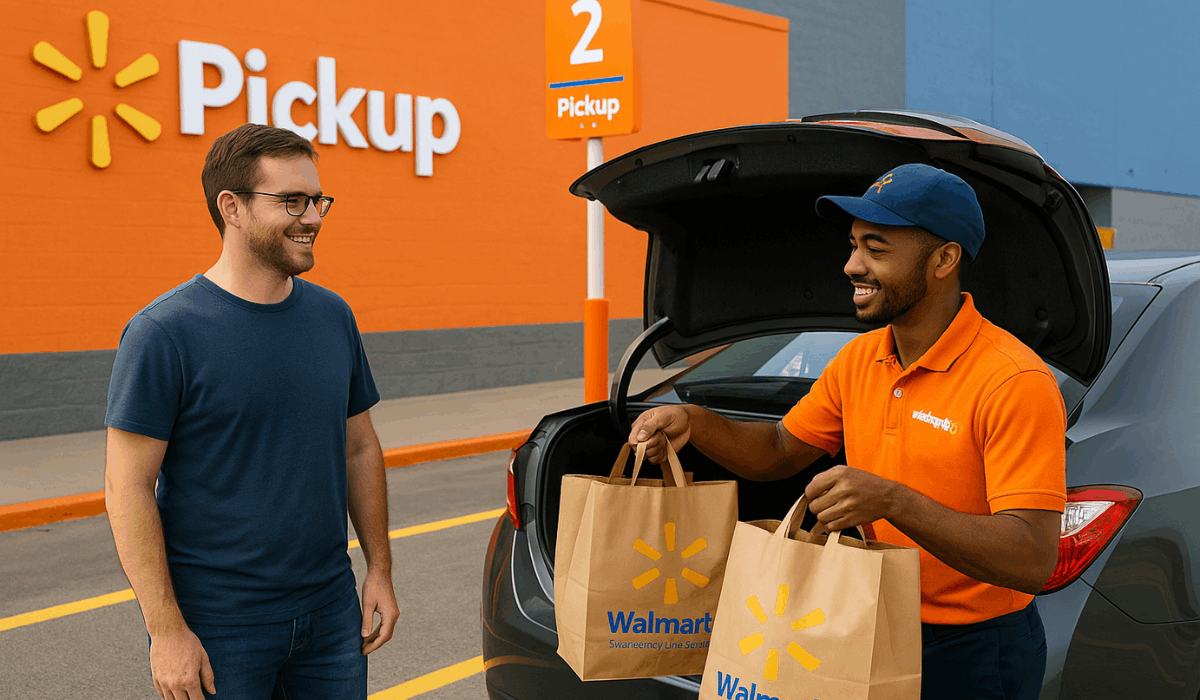
The Spark Driver app controls every part of the delivery process. Each section helps you manage orders, navigate routes, and track earnings.
- Receive Offers – Delivery requests appear with pay, distance, and item details.
- Accept or Decline – Choose the orders that match your schedule and earnings goals.
- Pick Up Items – Follow store instructions and confirm items in the app.
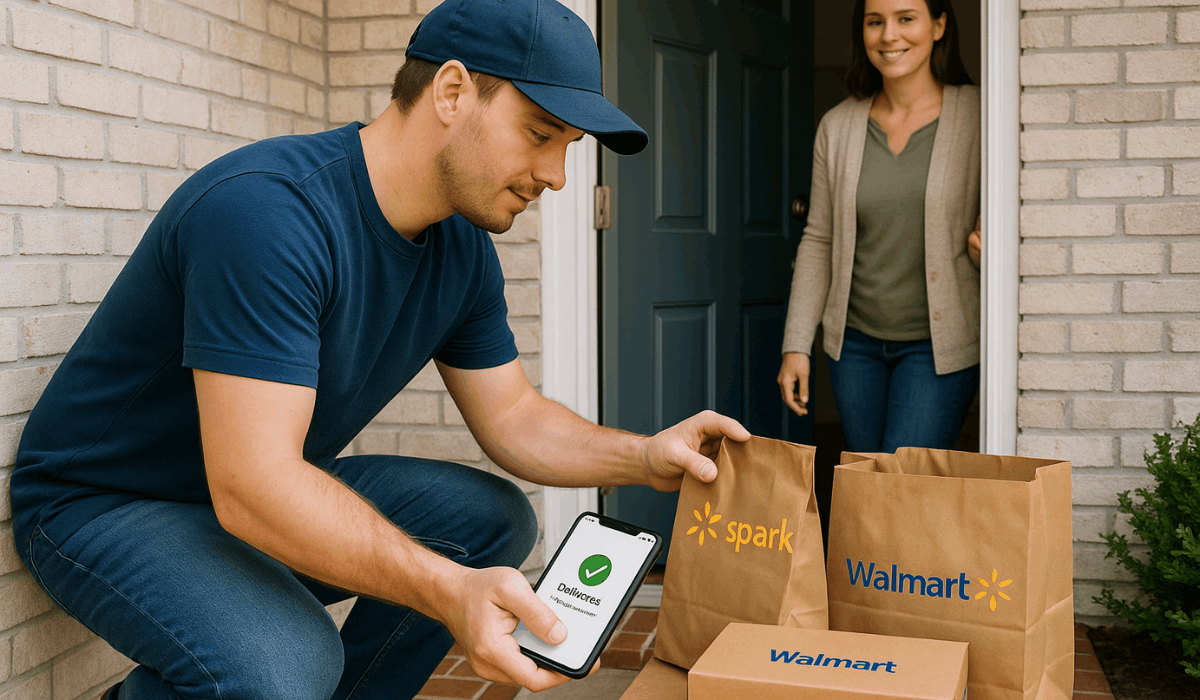
- Deliver to Customer – Use GPS to reach the address and follow the delivery notes.
- Submit Proof – Upload photos or mark completion when the delivery is finished.
- Track Earnings – Review pay, bonuses, and weekly deposits inside the app.
Types of Orders
Walmart Spark offers different order types that affect your pay and workload. Each type has its own timing, size, and delivery process.
- Express Orders – Small, fast deliveries with short deadlines and higher urgency
- Standard Delivery – Regular customer orders with flexible timing and predictable routes.
- Batch Orders – Multiple orders are picked up at once and delivered to several customers.
- Shopping & Delivery – Orders where you shop inside Walmart before delivering.
- Incentive Offers – High-demand orders with bonus pay added during busy hours.
How You Get Paid
The Spark Driver payment system combines fixed pay and extra earnings. Each part influences how much you make per order and per week.
- Base Pay – Standard pay usually ranges from $7 to $10 per delivery, depending on distance and order size.
- Customer Tips – Extra money customers add after the delivery.
- Bonuses – Added pay during busy hours or special order waves.
- Incentives – Extra rewards for completing batches or meeting activity goals.
- Weekly Deposits – Earnings are sent straight to your bank account once a week.
- Earnings Dashboard – Shows total pay, bonuses, and upcoming payouts.
Tips to Earn More
Higher earnings depend on smart timing and efficient order handling. These simple steps help increase your weekly income on Spark.
- Work Peak Hours – Choose mornings, evenings, and weekends when demand is highest.
- Stay Near Busy Stores – Position yourself near high-volume Walmart stores for more offers.
- Accept Profitable Orders – Focus on orders with good pay-to-mile ratios.
- Improve Delivery Speed – Complete routes efficiently to receive better future offers.
- Maintain High Ratings – Provide reliable service to keep access to quality orders.
- Use Low-Traffic Routes – Choose faster streets to reduce delivery time.
Spark Driver Zones and Market Availability
Delivery zones control where drivers receive order offers. Knowing how these areas operate helps you work in the most profitable locations.
- Defined Areas – Regions created to manage driver coverage and delivery flow.
- High-Demand Locations – Busy cities and large stores generate frequent offers.
- Low-Demand Regions – Smaller towns may have fewer orders and longer gaps between orders.
- Active Boundaries – Orders appear only when you remain inside the designated area.
- Driver Saturation – Too many drivers in one region reduces available work.
- Peak Periods – Each zone has specific hours with heavier customer activity.
Required Equipment and Best Tools
Using the right equipment makes each delivery faster and easier. These tools help improve accuracy, safety, and overall earnings.
- Phone Mount – Keeps navigation visible and hands-free while driving.
- Car Charger – Prevents your phone from dying during long shifts.
- Insulated Bags – Protects temperature-sensitive items during transport.
- Backup Battery – Provides extra power when working long hours.
- LED Flashlight – Useful for night deliveries and hard-to-find addresses.
- Organized Trunk Space – Helps manage multiple orders without confusion.
How to Handle Customer and Store Interactions
Clear communication helps deliveries move smoothly. Simple habits make store pickups and customer drop-offs faster and more professional.
- Arrive on Time – Stay close to the store and follow pickup windows.
- Follow Store Instructions – Use the app to check pickup lanes or call numbers.
- Be Polite – Use short, respectful communication with store staff.
- Verify Orders – Double-check names and items before leaving the pickup area.
- Contact Customer When Needed – Send a quick message if there is confusion or a delay.
- Follow Drop-Off Notes – Use instructions for gate codes, door types, or safe locations.
- Confirm Delivery Cleanly – Take clear photos when required and mark the delivery complete.
Common Questions
New drivers often ask the same questions when getting started. These short answers help you solve issues quickly.
- How long does approval take? – Most approvals take a few days, depending on the background check.
- Why am I not getting any orders? – Move into an active delivery zone or work during peak hours.
- What should I do if the app freezes? – Restart your phone or reopen the app to refresh it.
- Why is my payment not showing? – Check the earnings tab to confirm if the payout is still processing.
- What happens if an order gets canceled? – Follow the in-app steps and request adjusted pay if eligible.
- How do I reach support? – Use the Help section in the app to contact driver assistance.
Final Takeaway
Getting started with Walmart Spark becomes easier when the requirements, order types, and app features are clear.
Steady performance and smart timing help increase your weekly income and improve your delivery handling.
Start your Walmart Spark application today and begin accessing new earning opportunities in your area.